
How to Build a WhatsApp Chatbot
WhatsApp is the most widely used messaging app in the world, and Türkiye is no exception. Instead of calling businesses, customers now message them on WhatsApp. Questions like "How much is it?", "Is it in stock?", and "When are you open?" get repeated dozens of times every day. Answering every one of them by hand eventually becomes impossible.
That's exactly where the idea of building a WhatsApp chatbot comes in. But can it really be done? Can you set up a chatbot without technical knowledge? In this article, we'll answer all of these questions.
The WhatsApp Business API Issue
Let's clear one thing up first: you can't connect a chatbot to the regular WhatsApp app. WhatsApp doesn't allow automation on personal accounts. To set up a chatbot, you need access to the WhatsApp Business API.
The WhatsApp Business API is an infrastructure Meta provides to businesses. It lets you receive and send messages programmatically. In other words, a piece of software can read and reply to messages on your behalf.
There are a few ways to get API access. You can use the Cloud API that Meta offers directly, or you can work with official solution partners such as Twilio or MessageBird. Either way, you'll need a Facebook Business account and a verified business profile.
What Does a Chatbot Actually Do?
The word "chatbot" might bring complex systems to mind, but at its core the job is simple: read the incoming message, understand what's being asked, and give the right answer.
For example, when a customer writes "When will my order arrive?", the chatbot receives the message, picks up the word "order," and sends the shipping information you prepared in advance. In more advanced systems, the chatbot doesn't just look at keywords — it also interprets what the sentence actually means.
Businesses typically use chatbots for the following:
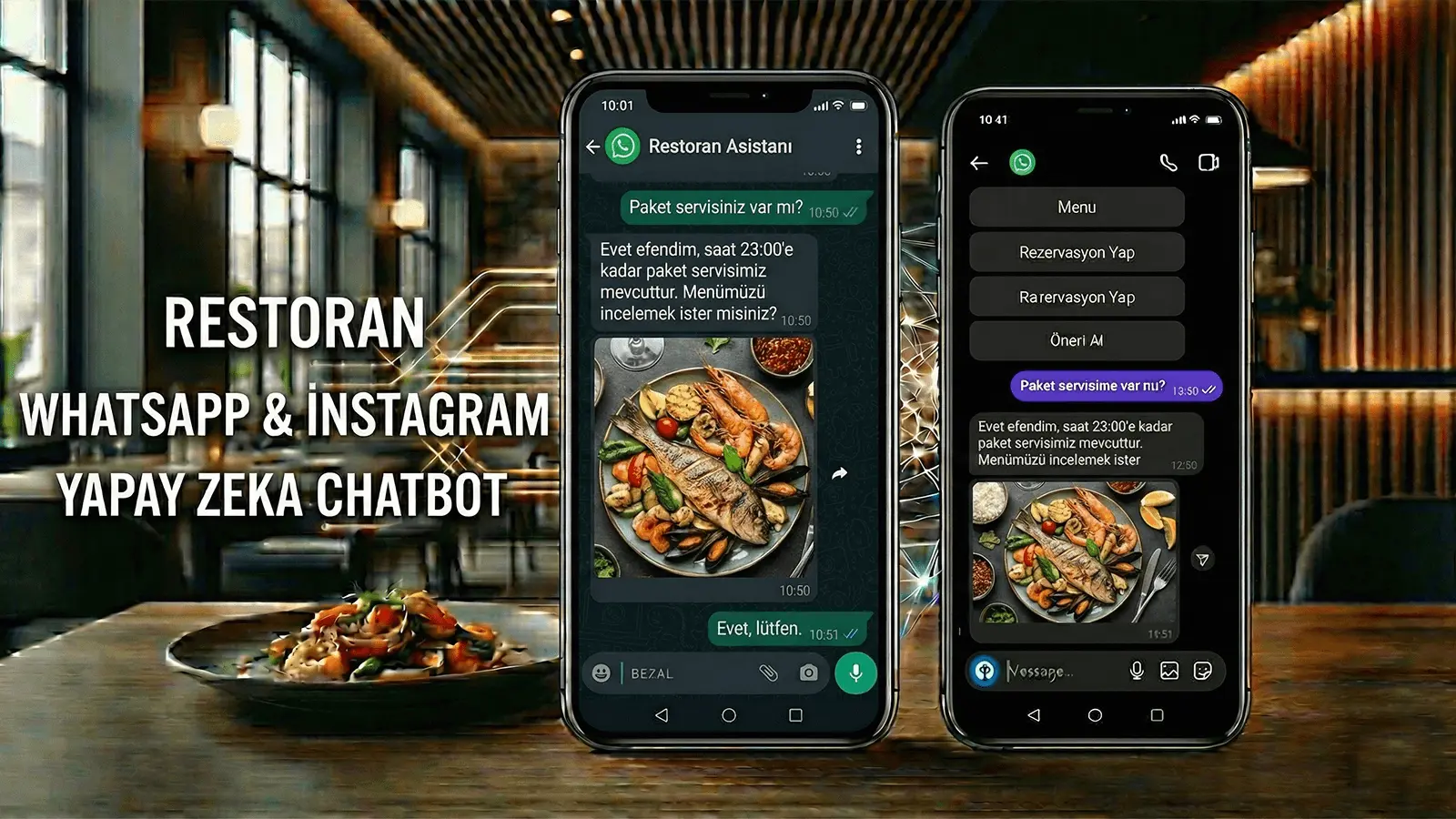
Answering frequently asked questions. Information like opening hours, address, and price lists gets asked over and over every day. Handing these off to a chatbot saves you serious time.
Order and shipping tracking. The customer types their order number, and the chatbot pulls the status from your system and reports it back.
Booking appointments. This is especially useful for clinics, salons, and service businesses. The customer picks an available time, and the appointment is created automatically.
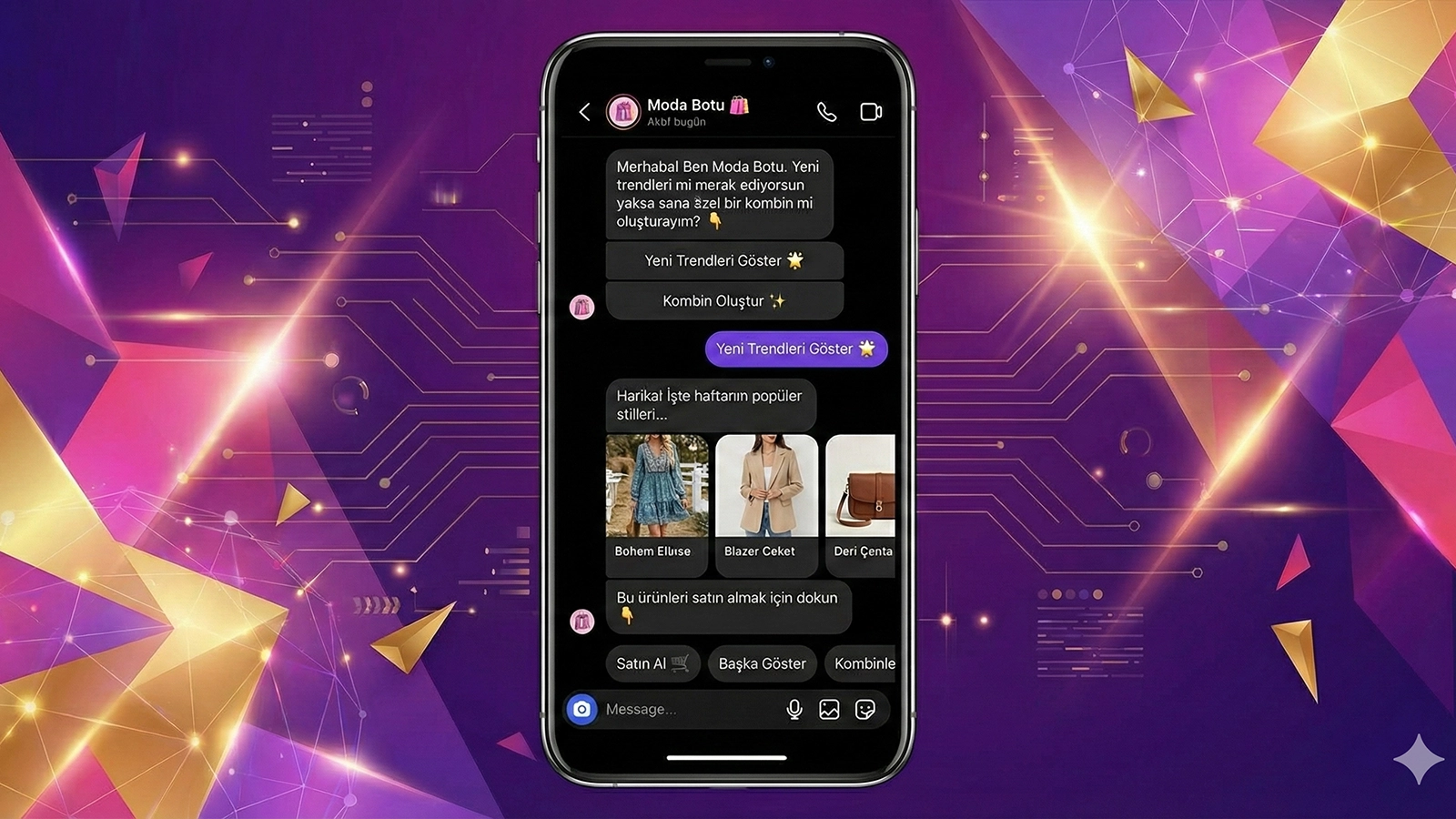
Product recommendations. The chatbot figures out what the customer is looking for with a few questions and lists suitable products.
How Does the Technical Side Work?
In the WhatsApp chatbot building process, the technical part is usually what scares people. But it's really not that complicated.
The basic logic is this: you connect a webhook to the WhatsApp Business API. When a message reaches your account, WhatsApp sends it to your webhook address. Your server receives the message, processes it, and sends the reply back through the API.
To do this, you need a server, a bit of programming knowledge, and some patience. It can be written in languages like Python, Node.js, or PHP. If you don't want to write code, ready-made chatbot platforms are also available.
You decide what happens when a message arrives. With a simple if-else structure, you can send the price list to everyone who writes "price." Or you can build more complex flows: present options to the customer and route them down different paths based on their choice.
Things to Watch Out For
WhatsApp has strict rules. Accounts that don't follow them can be shut down.
First, you can't message a customer before they message you. Bulk messages, spam, and unsolicited marketing are forbidden. Once a customer contacts you, you can message freely for 24 hours. After that window, you can only send approved template messages.
Second, template messages must be approved by WhatsApp. Informational messages like "Your order has shipped" are usually approved without trouble. But promotional templates can be rejected.
Third, telling the customer they're talking to a chatbot is good practice. You can open with something like "Hi, I'm your digital assistant." When the customer wants to talk to a real person, you should offer that option.
Ready-Made Platforms or Your Own System?
There are two routes. You either use a ready-made chatbot platform or build your own system.
The advantage of ready-made platforms is speed. You can create chatbot flows with drag-and-drop logic, without writing code. The downside is their limitations and cost. You use whatever the platform offers, and customization can be restricted.
When you build your own system, you have full control. You can add any feature you want, integrate with your own database, and create an experience that's entirely tailored to your brand. The downside is that it requires technical knowledge and time.
Which one you choose depends on your business's needs. If you're a small business and basic automation is enough, ready-made platforms will do the job. If you have more complex needs or serve a large number of customers, building your own infrastructure makes more sense in the long run.
What Should You Do to Get Started?
Before you begin the WhatsApp chatbot building process, answer these questions:
Which questions will the chatbot answer? List the most frequently repeated ones. These will be the first topics the chatbot learns.
What happens when the customer can't solve it with the chatbot? You need a handoff scenario to live support. A chatbot can't solve everything, and it shouldn't get stuck where it can't.
Which systems will it integrate with? If it tracks orders, it needs to connect to your e-commerce system; if it books appointments, to your calendar.
Once you've clarified these, you can move on to the technical side. Meta's WhatsApp Business API documentation is quite detailed. You can make progress by following it step by step.
At Mettanex, we offer WhatsApp and Instagram chatbot solutions. You can get started quickly with ready-made flows or request custom development tailored to your business.
Frequently Asked Questions
Do I need to know programming to build a WhatsApp chatbot?
No. You can create flows without writing code using ready-made chatbot platforms. But if you want more customized solutions, technical knowledge is an advantage.
Can I connect a chatbot to my regular WhatsApp account?
No. WhatsApp doesn't allow automation on personal accounts. A chatbot requires WhatsApp Business API access.
Is the WhatsApp chatbot free?
WhatsApp Business API usage is free up to a certain number of messages. After that, there's per-message pricing. Depending on the platform you use, there may be additional costs as well.
Can the chatbot send automatic messages to customers?
You can only message freely within 24 hours after the customer writes to you. Outside that window, only WhatsApp-approved template messages can be sent.
Can the chatbot hand off to a real person?
Yes. In a well-designed system, the conversation is transferred to a live agent whenever the customer wants it or the chatbot can't resolve the issue.